CurrentDrive
CarPlay-first EV charging and route planning with Apple Maps.

See It in Action
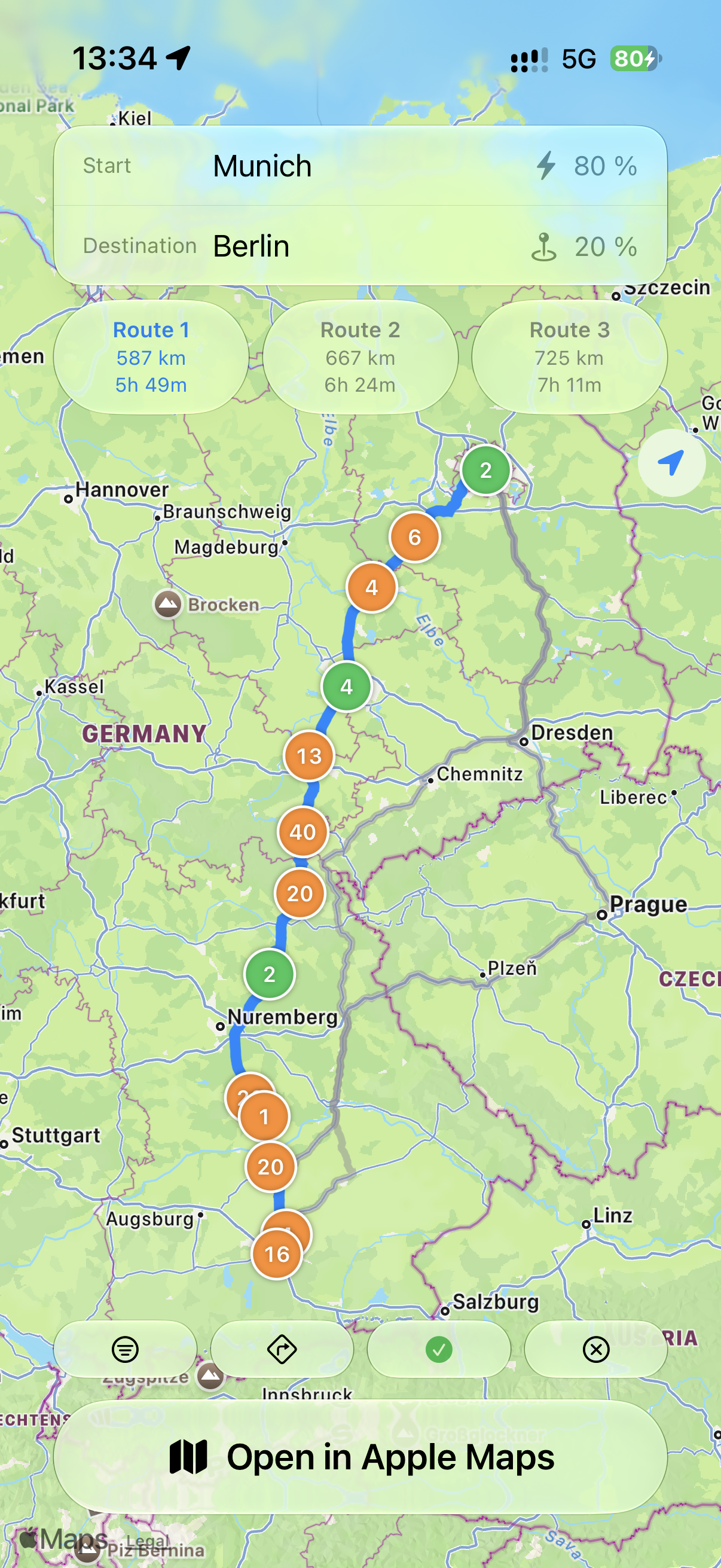
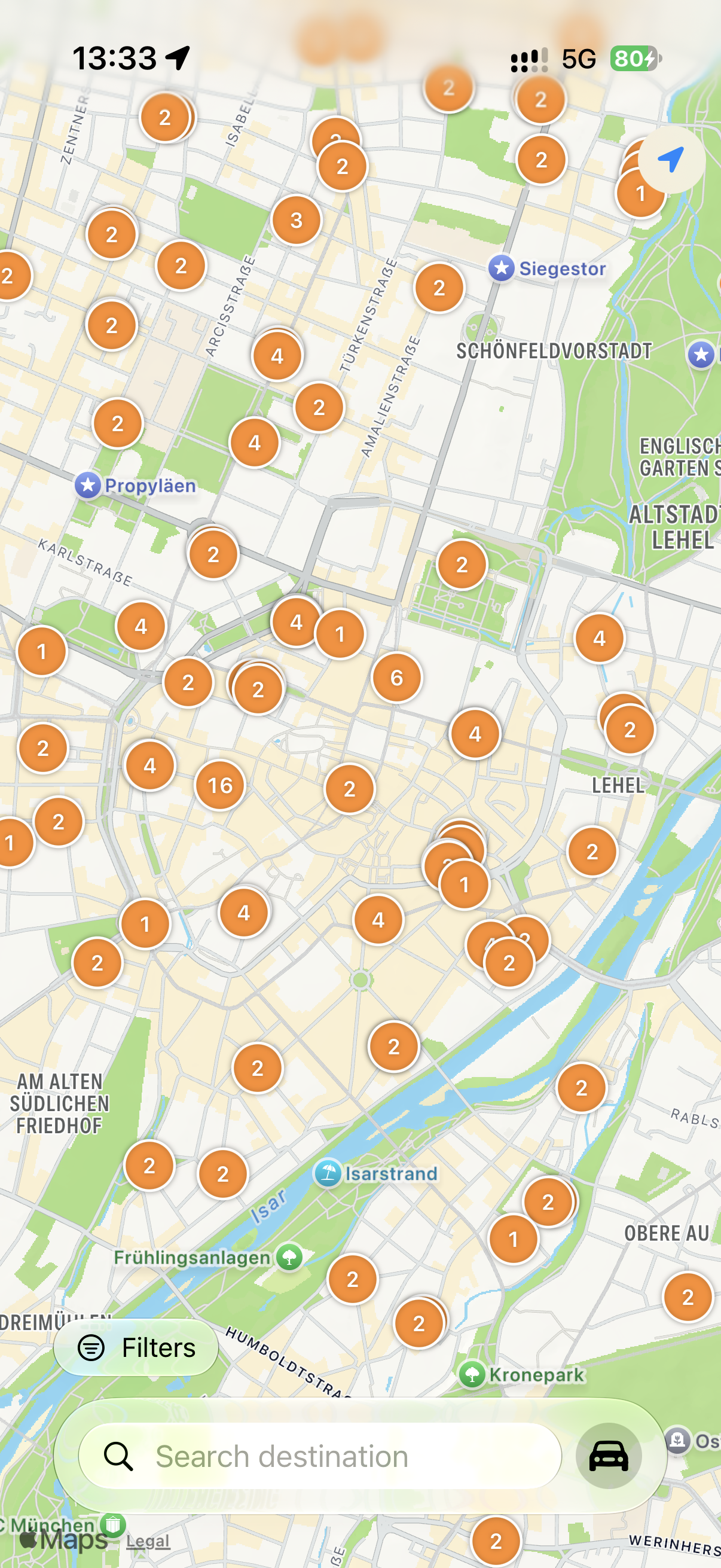
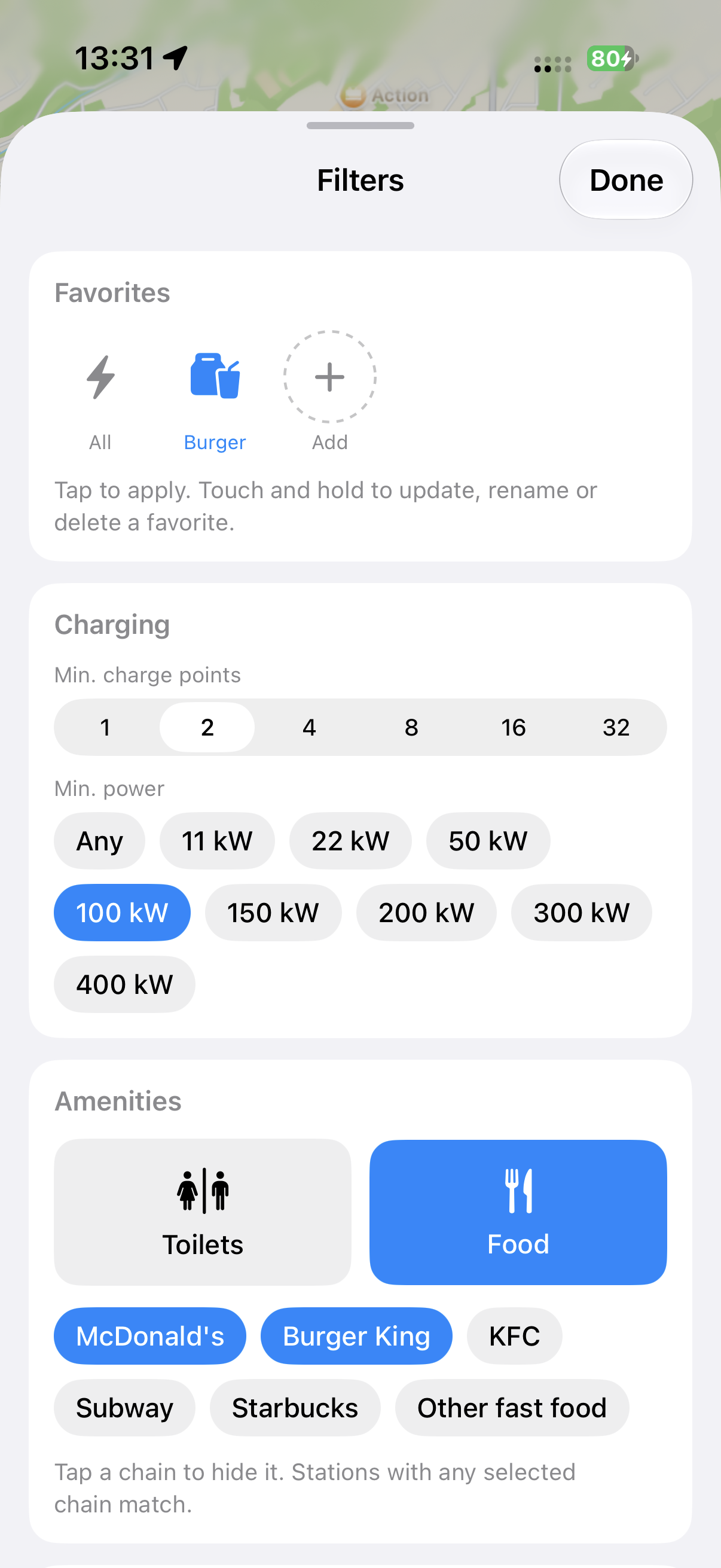
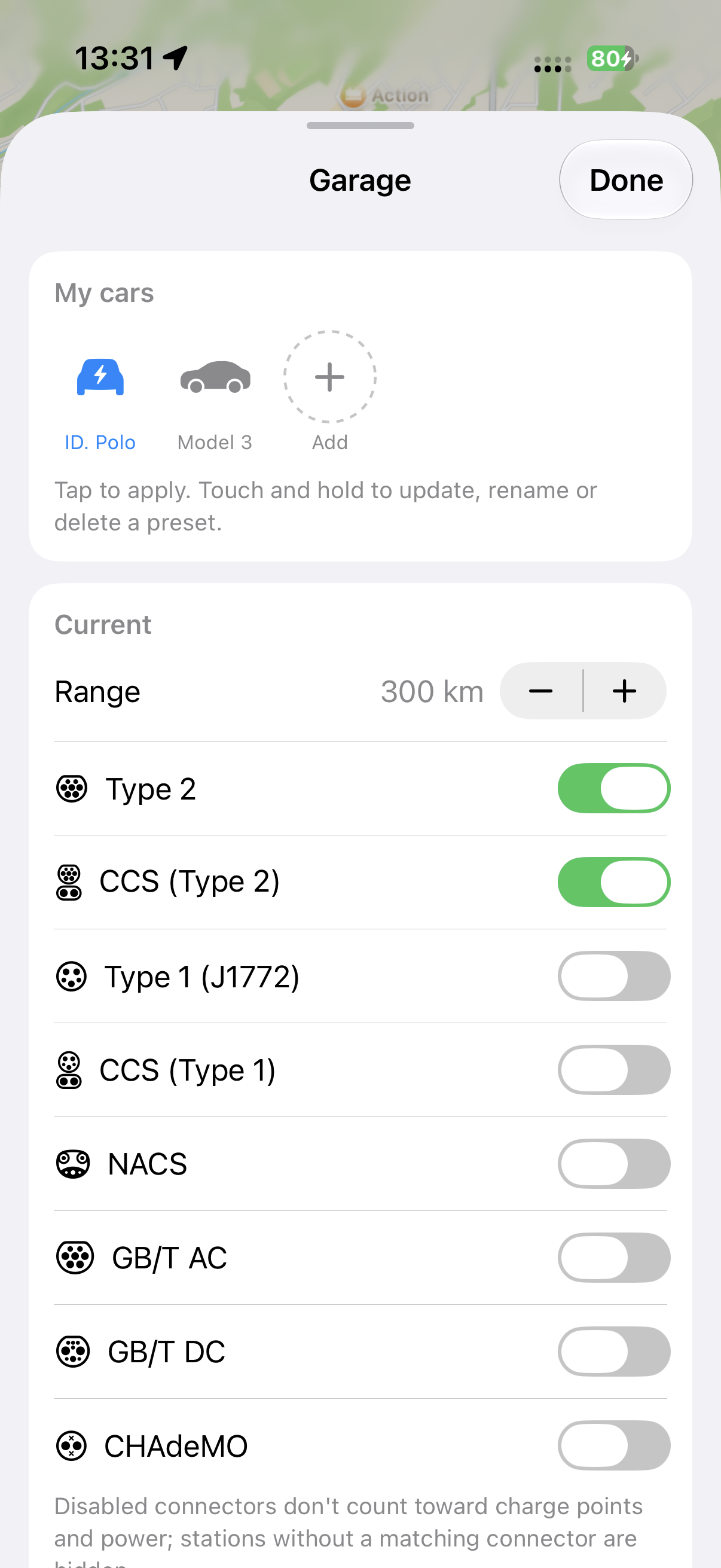
Explore, plan, and filter your way to the nearest charger.
Charge Up! Find Charging Stations Now.
Unlock the ultimate EV charging experience! Plan your route, locate stations, and power up your journey effortlessly.
Frequently Asked Questions
Is CurrentDrive free to use?
Yes. CurrentDrive is free to download and use on the App Store, with no subscription required.
Which countries and regions does CurrentDrive support?
CurrentDrive supports EV charging stations worldwide, so you can plan routes and find chargers wherever you're driving.
Does CurrentDrive work with Apple Maps?
Yes. CurrentDrive integrates directly with Apple Maps. Pick your charging stops in the app and send the full route to Apple Maps for turn-by-turn navigation.
Is CurrentDrive a CarPlay app?
Yes, CurrentDrive is CarPlay-first. You don't have to pick up your phone. Start routes, set filters, and search for destinations directly from CarPlay.
Does CurrentDrive collect or share my personal data?
No. CurrentDrive does not collect, store, or share any personal data, and it does not use analytics, advertising, or tracking services. Read the full Privacy Policy.
What devices is CurrentDrive available on?
CurrentDrive is available on iPhone and iPad, with support for Mac (Apple silicon), and Apple Vision Pro. Filter settings sync across your devices via iCloud.